Jira CLI
-
Use Jira CLI
Run Jira CLI commands with the configured Jira connection.

Enable Jira issue access, triggers, and optional Jira CLI in sandbox.
Run Jira CLI commands with the configured Jira connection.
Show the Jira account behind the current auth context.
List Jira projects visible to the connected caller.
Fetch a single Jira issue by key.
Search Jira issues with a JQL query.
Create a Jira issue.
Delete a Jira issue by key.
Add a comment to a Jira issue.
Delete a comment from a Jira issue.
Assign or clear the assignee on a Jira issue.
List workflow transitions currently available for a Jira issue.
Transition a Jira issue to a new workflow state.
Update summary, description, or other editable fields on a Jira issue.
Show edit metadata for a Jira issue.
Credential safety
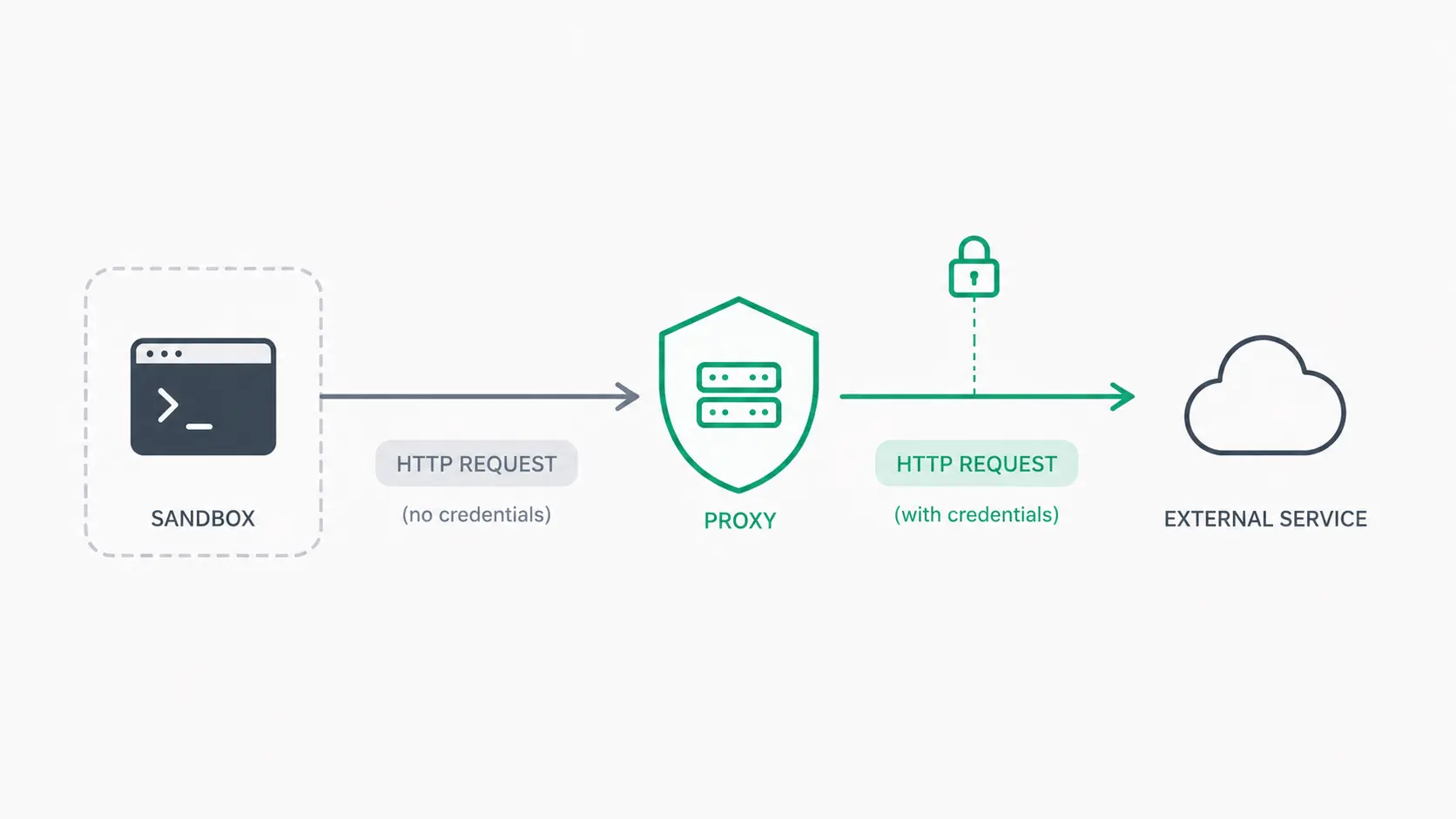
Mistle lets agents access connected services without placing provider credentials inside the sandbox. Approved outbound requests are routed through Mistle's credential proxy, where authentication happens outside the agent runtime.
Credentials stay encrypted in Mistle's control plane and are applied only when a request is authorized for the calling sandbox and organization.
Read the credential-less sandboxes article